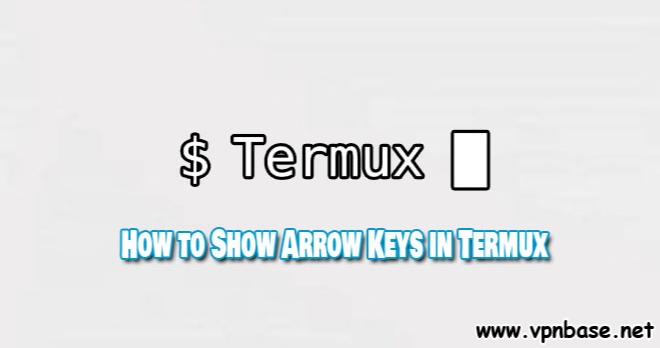
VPNbase.NET — Termux is a small application that you can use on android instead of linux on windows, that’s a brief explanation. This article will share How to Show Arrow Keys in Termux.
In the old version, Termux has a complete button that you can use to set the script. However, the arrow button on Termux is removed in the new version.
We ourselves also wonder why the button that really helps us in editing scripts in Termux has been removed by the developer. But you don’t need to panic, you can show the button again.
How to Show Arrow Keys in Termux
First open the Termux application and make sure your android is connected to the internet. Then you type the command below. Or you can just copy and paste.
pkg install python -y
enter
pkg install git -y
enter
git clone https://github.com/karjok/terkey
enter
cd terkey
enter
python terkey.py
enter
After you type the command above in Termux, the button on Termux will automatically appear. Such as the right-left button, page down button, page up and so on.
Conclusion
That’s the tutorial that admin is sharing this time. For those of you who are not accustomed to using Linux, it might be a little confusing to use Termux. Because termux is arguably the android version of linux.